Best eSIM and SIM Options for Korea Travelers: How to Choose
By the Haesul Global desk (AI-assisted). Information as of October 29, 2026 (KST). Plans and prices change often, so we compare the options rather than quote prices; check each provider’s official page before you buy.
Quick answer: For a short trip, a data-only eSIM is usually the simplest choice: you install it before you fly and have data the moment you land. If you need a Korean phone number to receive verification texts (for delivery apps, some taxi apps or bank-linked services), buy a prepaid SIM or eSIM with a number from one of the Korean carriers or their airport counters with your passport. For long stays, switch to a postpaid plan once you have a residence card. Your home carrier’s roaming is the easiest but usually the most expensive option.

Why your choice matters in Korea
Korea has some of the fastest mobile networks in the world, with 5G and LTE coverage in cities, on the subway and on most highways. Getting data is easy. The harder part is that many Korean apps and websites verify you by sending a code to a Korean mobile number registered in your name. Without one, you can still use maps, messaging and translation apps, but some services, such as food delivery and certain booking sites, may not work fully.
So the real question is not “which is fastest” but “do I need a Korean number, and how long am I staying?”
The four main options compared
| Option | Korean phone number? | What you need | Best for | Watch out for |
|---|---|---|---|---|
| Home carrier roaming | No (your home number) | Nothing; turn on roaming | Very short trips, business travelers on company plans | Daily fees can add up |
| Data-only eSIM | No | eSIM-compatible, carrier-unlocked phone | Most tourists staying days to weeks | No calls or SMS on a local number |
| Prepaid SIM or eSIM with number | Yes | Passport; unlocked phone | Travelers who need Korean verification texts | Must buy from a carrier or authorized seller |
| Pocket Wi-Fi rental | No | Pick up and return at airport | Groups and families sharing one connection | Battery life, carrying a device, return deadline |
Sources: KT, SK Telecom and LG U+ roaming and prepaid pages; Korea Tourism Organization travel information. Availability varies by provider.
Option 1: Keep your home number with roaming
Roaming is the zero-effort choice. Your phone works as usual, and you keep receiving texts at your home number, which matters for banking codes from home. The downside is cost: many carriers charge a daily fee for international data, and some plans slow you down after a small allowance. Check whether your plan includes Korea before you go. If you will be in Korea for more than a few days, an eSIM is usually cheaper.
Option 2: Data-only eSIM (the easy default)
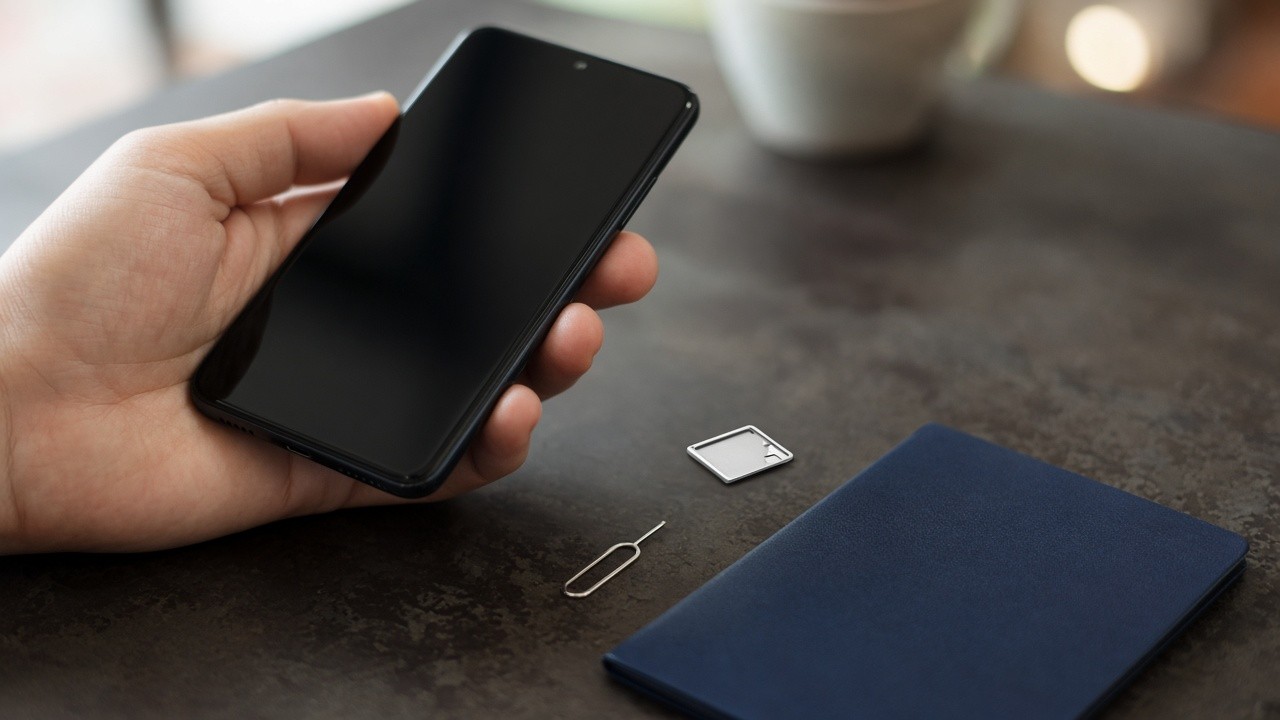
A data-only eSIM is a digital SIM you buy online and install by scanning a QR code. Most recent iPhones, Google Pixels and Samsung Galaxy phones support eSIM, but your phone must be carrier-unlocked. Install it at home while you have Wi-Fi, keep it switched off, and turn it on as you land. Your home SIM stays in the phone, so you can still receive texts from home if you leave it active for SMS only.
Data-only eSIMs are sold both by Korean carriers’ tourist brands and by global eSIM companies. Compare the data allowance, the speed after the allowance and whether the plan runs on a Korean carrier’s own network. Unlimited plans are common for Korea.
Option 3: Prepaid SIM or eSIM with a Korean number
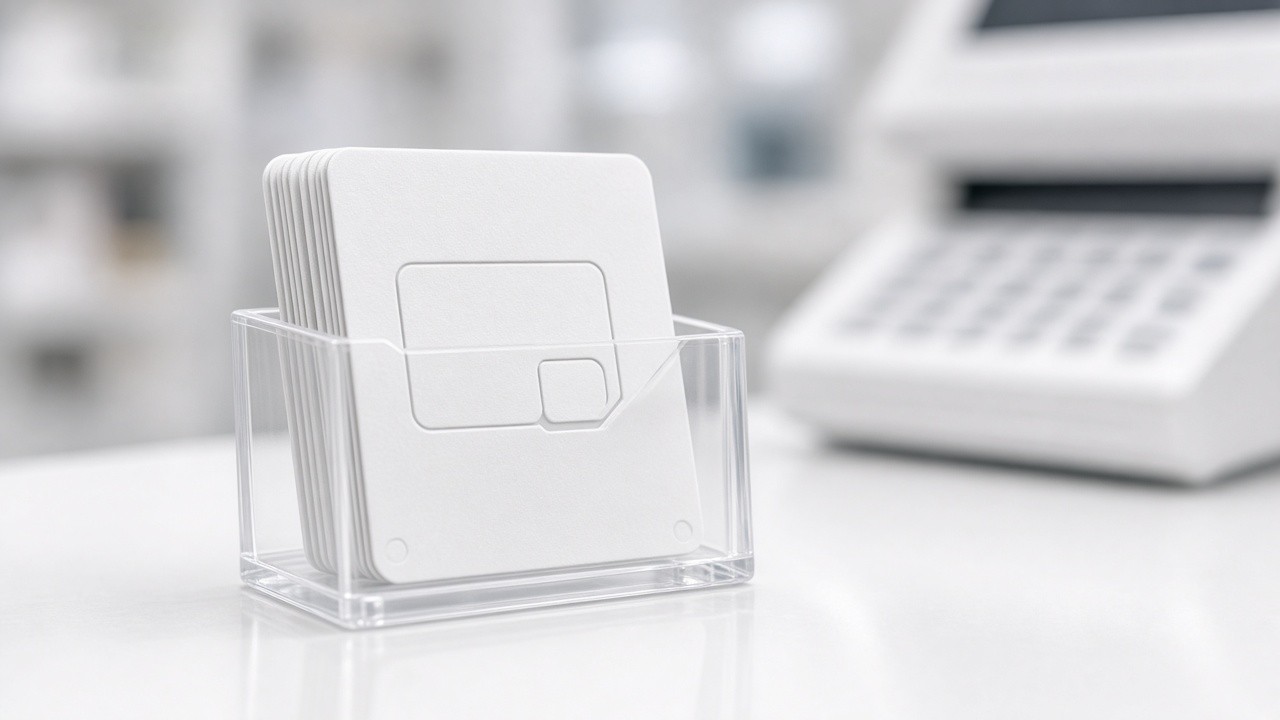
If you need a Korean number, buy a prepaid plan that includes one. The three main carriers (KT, SK Telecom and LG U+) run counters at Incheon and Gimpo airports, and several budget carriers (MVNOs) sell prepaid plans to foreigners online or in stores. You will need your passport, and the plan is registered in your name, which is exactly what Korean verification systems look for.
A local number helps with food delivery apps like Baemin and Coupang Eats, some ride and booking apps, restaurant waitlists and receiving calls from Korean hotels or tour operators. Prepaid plans include a set amount of data and calls, and you can usually top them up at convenience stores or online.
Option 4: Pocket Wi-Fi (“Wi-Fi egg”)
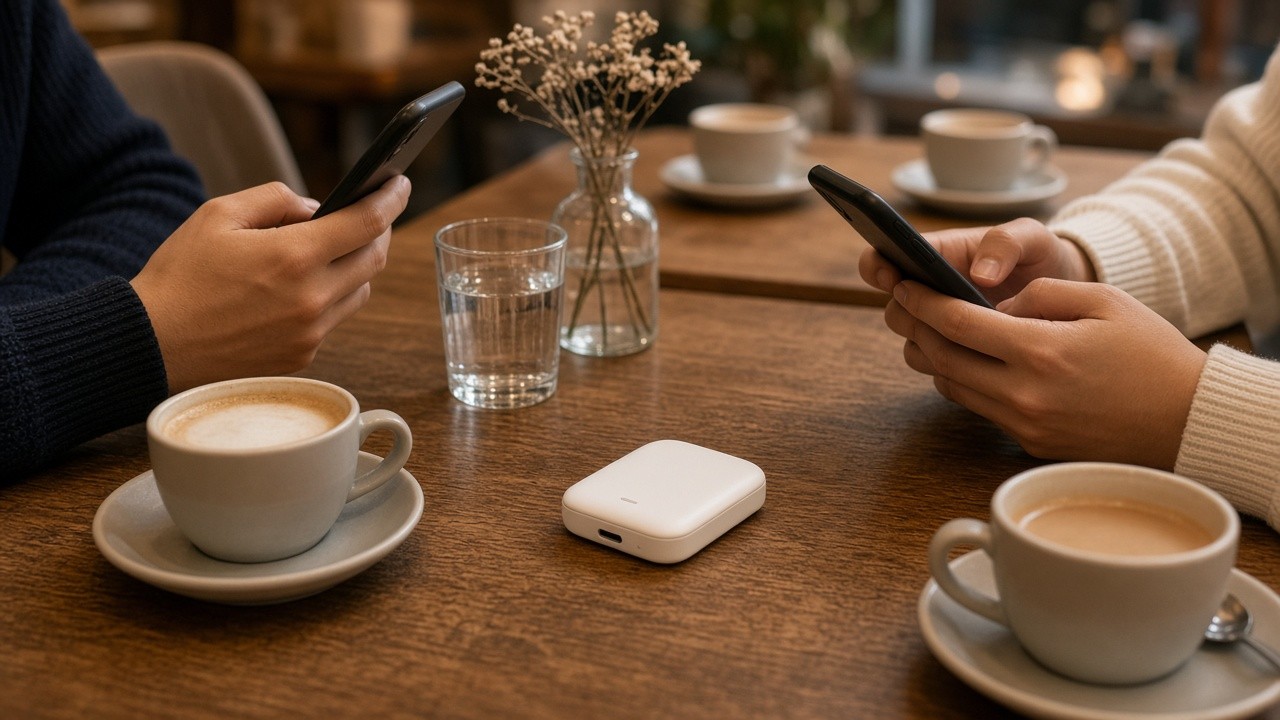
A pocket Wi-Fi router is rented at the airport and shared by several devices. It can be cost-effective for families or groups traveling together. The trade-offs are charging another device every day, staying close to whoever carries it, and returning it on time, usually at the airport before your flight.
For long stays: switch to postpaid
If you are moving to Korea to work or study, start with a prepaid number and switch to a postpaid plan once your residence card arrives. Postpaid plans in your own name make banking, government sites and online shopping much easier. Our guide to living in Korea as a foreigner explains why the phone number, residence card and bank account need to be set up in the right order.
Quick checklist before you fly
- Confirm your phone is carrier-unlocked and supports eSIM.
- Decide whether you need a Korean number for verification texts.
- If buying an eSIM, install it at home on Wi-Fi and label it “Korea data”.
- Download offline maps in Naver Map or KakaoMap, which work better than Google Maps for directions in Korea.
- Check your K-ETA or visa status and pick up a T-money card at the airport.
Free Wi-Fi in Korea
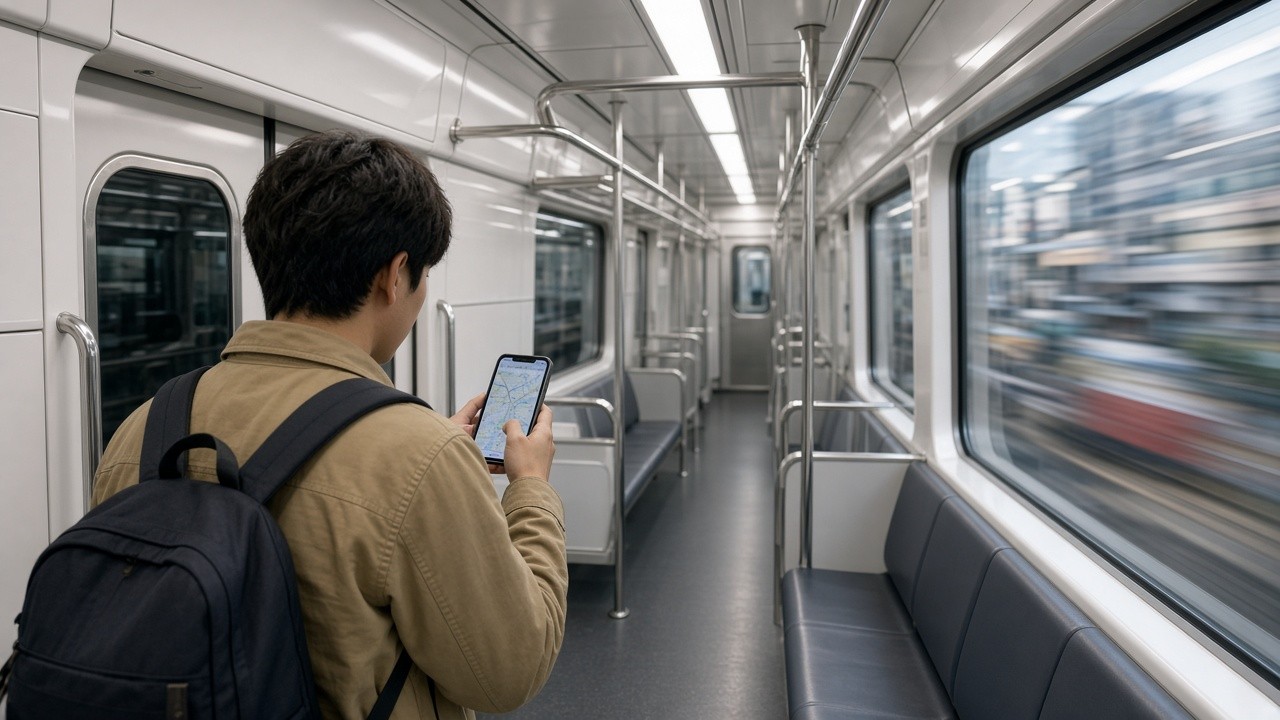
Korea has extensive free public Wi-Fi. Seoul’s city network covers many streets, parks and buses, and the subway, cafes and most hotels offer free Wi-Fi. It is good enough as a backup, but connections drop when you move, so most travelers still want mobile data. Avoid logging in to banking apps on open public networks.

Common mistakes
- Buying an eSIM for a locked phone. It will not activate; check with your carrier first.
- Deleting the eSIM by accident. Many eSIMs cannot be reinstalled once deleted.
- Assuming any number works for verification. Korean services usually need a Korean number registered in your name.
- Leaving roaming on with a local eSIM. Turn off data roaming on your home line to avoid surprise charges.
- Returning a pocket Wi-Fi late. Late fees can exceed the rental cost.
Frequently asked questions
Can I get a Korean phone number as a tourist? Yes. Prepaid plans with a number are sold to foreigners with a passport at carrier airport counters and by several prepaid providers.
Does a data-only eSIM let me use KakaoTalk? Yes. KakaoTalk, WhatsApp and other messaging apps work over data. Signing up for KakaoTalk may require receiving a text at your existing number.
Is 5G available for tourists? Many tourist plans include 5G or LTE. Coverage is excellent in cities; LTE remains common outside them.
Can I use my eSIM on the subway? Yes. Seoul’s subway has mobile coverage in tunnels and stations.
What is best for a family of four? A pocket Wi-Fi or one eSIM per person. If only one person needs a Korean number, buy one prepaid plan with a number and data-only eSIMs for the others.
Official sources
- KT roaming and prepaid for foreigners: https://roaming.kt.com
- SK Telecom (T world): https://www.tworld.co.kr
- LG U+: https://www.lguplus.com
- Korea Tourism Organization (VisitKorea): https://english.visitkorea.or.kr
- Seoul public Wi-Fi information: https://english.seoul.go.kr
This guide compares general options and is not an endorsement of any provider. Check each provider’s official terms before buying.






4 Comments